Capture the night.
Astrophotography, made simple.
Coming soon on the App Store
One sky. Three ways to capture it.
Star Trails
Follow the movement of the stars over hours.
Extended Exposure
Gather light and capture more than meets the eye.
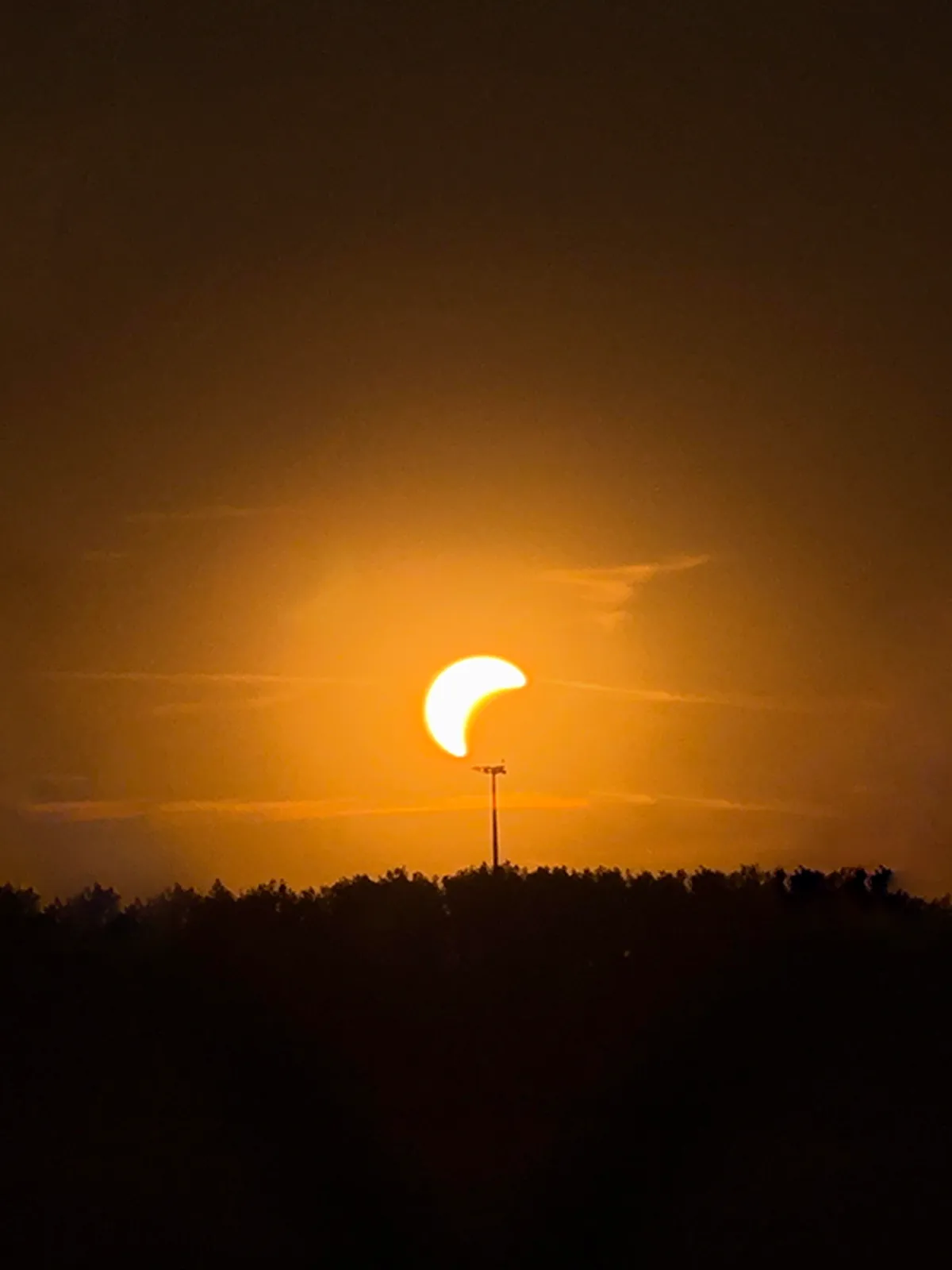

Manual
Bring the moment into view, on your terms.
Captured with Nightshutter
A collection of moments captured under the night sky.
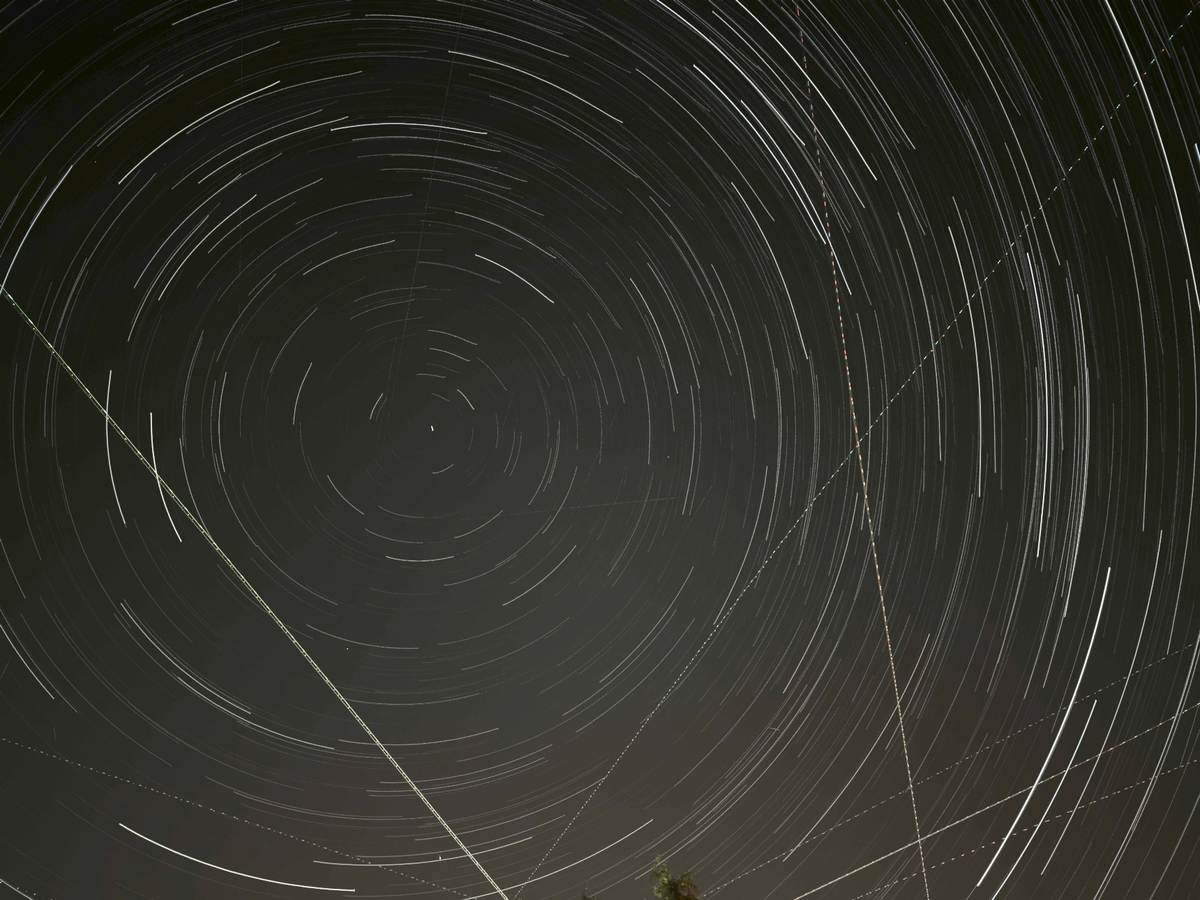
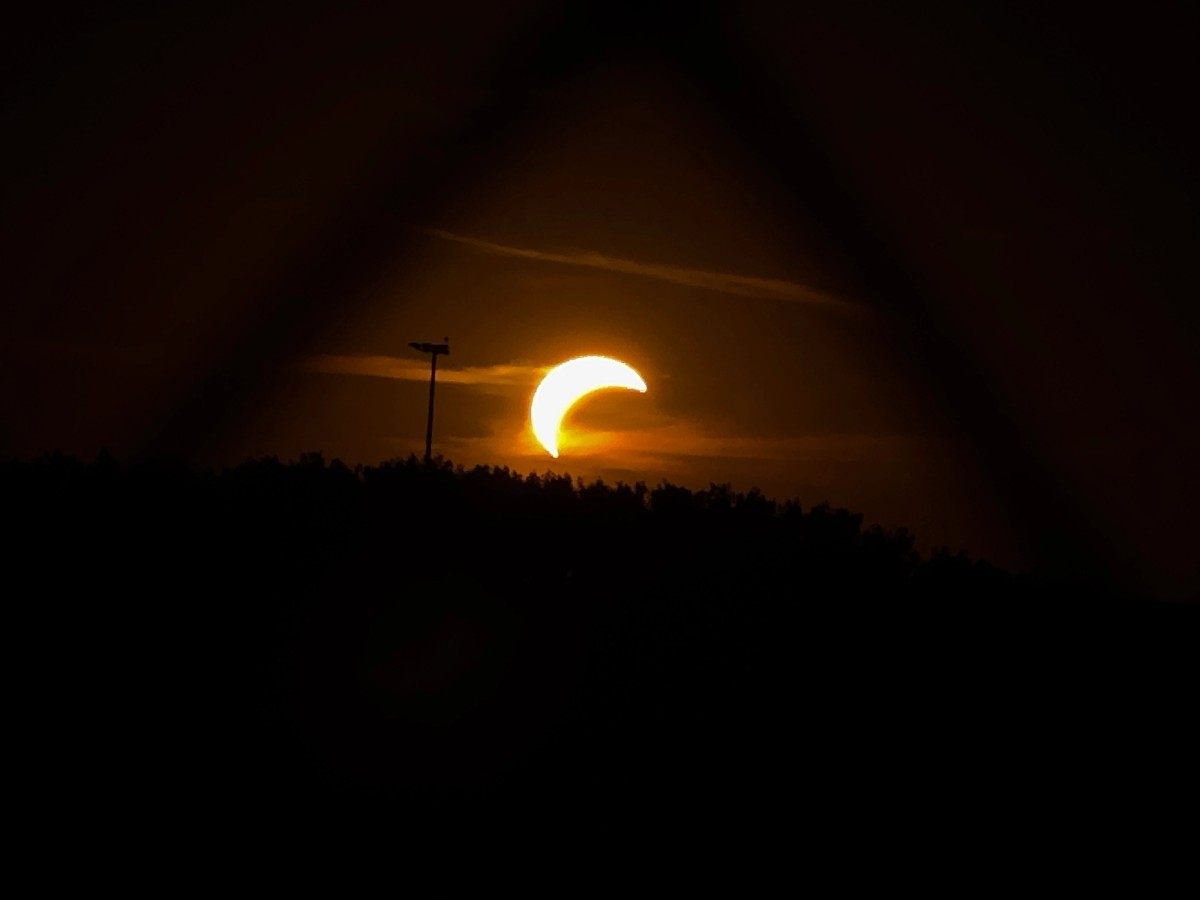
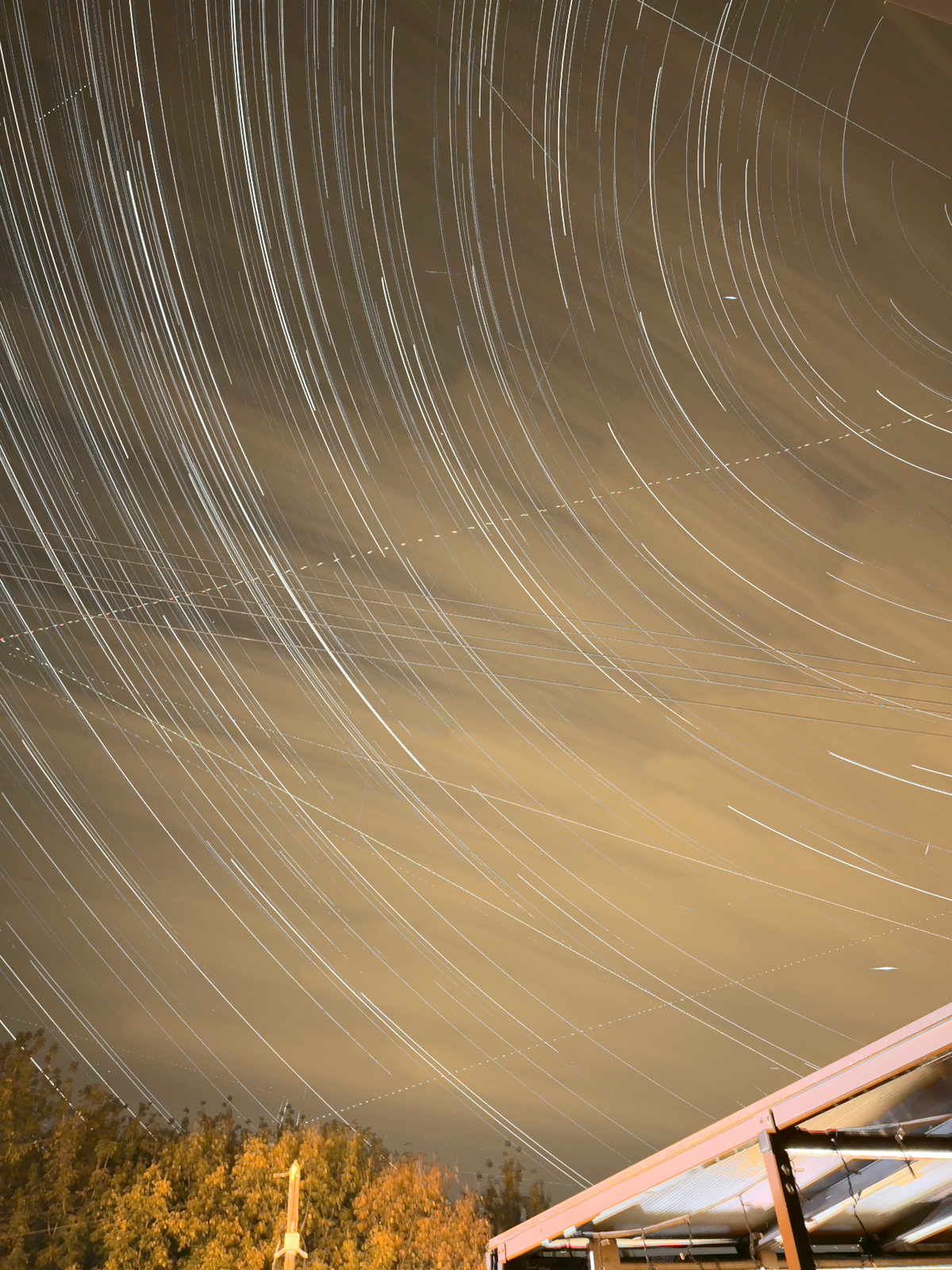
Your next night out, captured.
Coming soon on the App Store
Frequently asked questions
What is Nightshutter?
Nightshutter is an iPhone camera app for night photography and long exposures. Capture the movement of stars, adjust your camera manually, and turn a Star Trails capture into a photo or an animation.
Is Nightshutter free?
Yes. Nightshutter is completely free, with no subscriptions or in-app purchases.
Do I need a tripod?
A tripod or another stable support is strongly recommended for long exposures and star trails. Movement during a capture can create blurred images or sudden jumps in the trails.
How long should I capture?
A few minutes can produce short trails. For longer, more pronounced arcs, try 30 minutes to several hours. Results depend on your framing, sky conditions, and the stars’ position in the sky.
For longer sessions, make sure you have enough battery power and available storage.
Can I trim a Star Trails capture afterward?
Yes. Open the capture in Capture Sessions → Trim & Export and adjust its start and end.
This is useful if the phone moved or unwanted light entered the scene near the beginning or end. Trimming keeps one continuous interval; it does not remove individual sections from the middle.
Can I turn my star trails into a video?
Yes. You can create an animation from a saved, editable Star Trails session to show the trails building over time. You can also trim the session before creating the video.